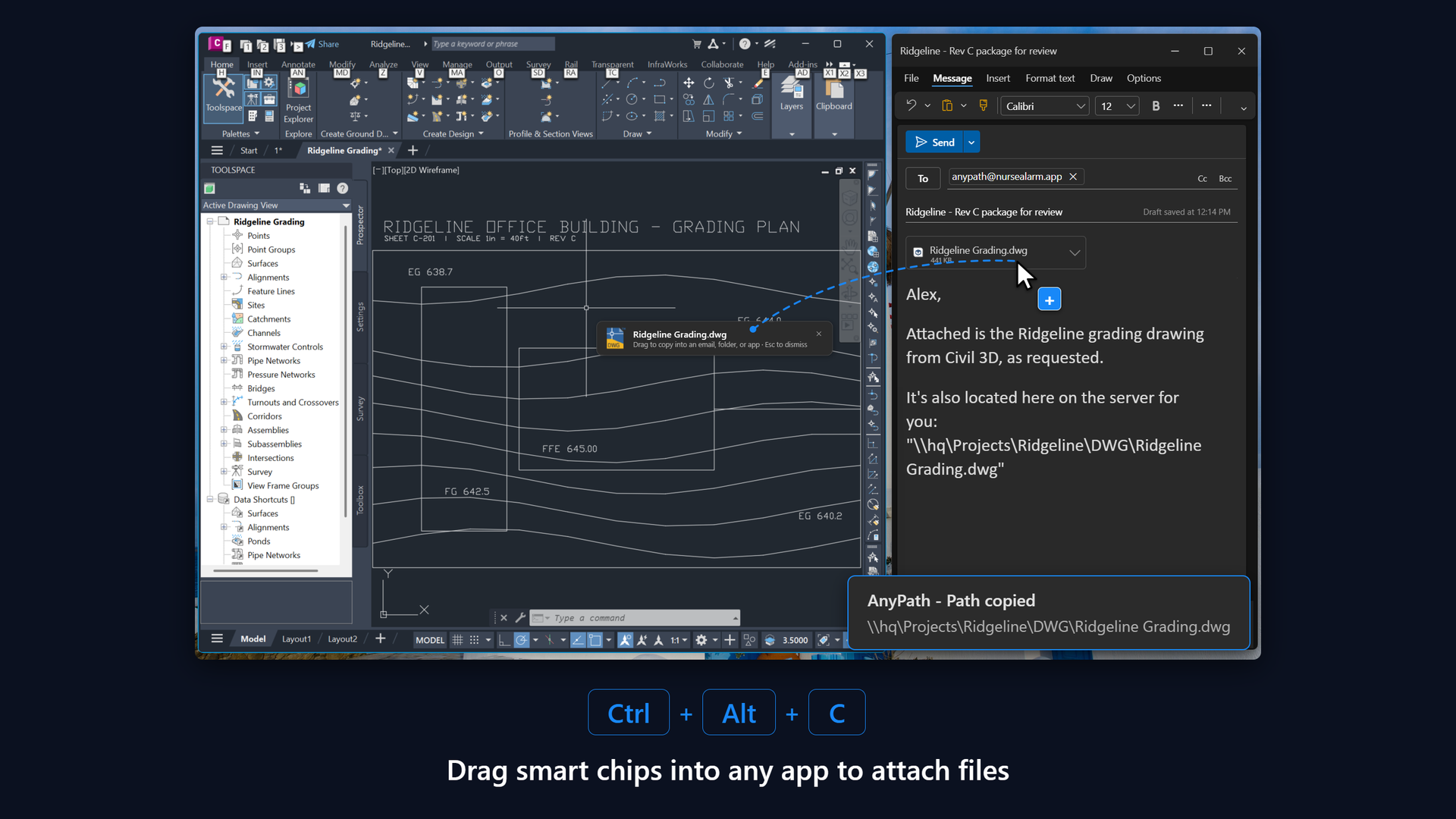
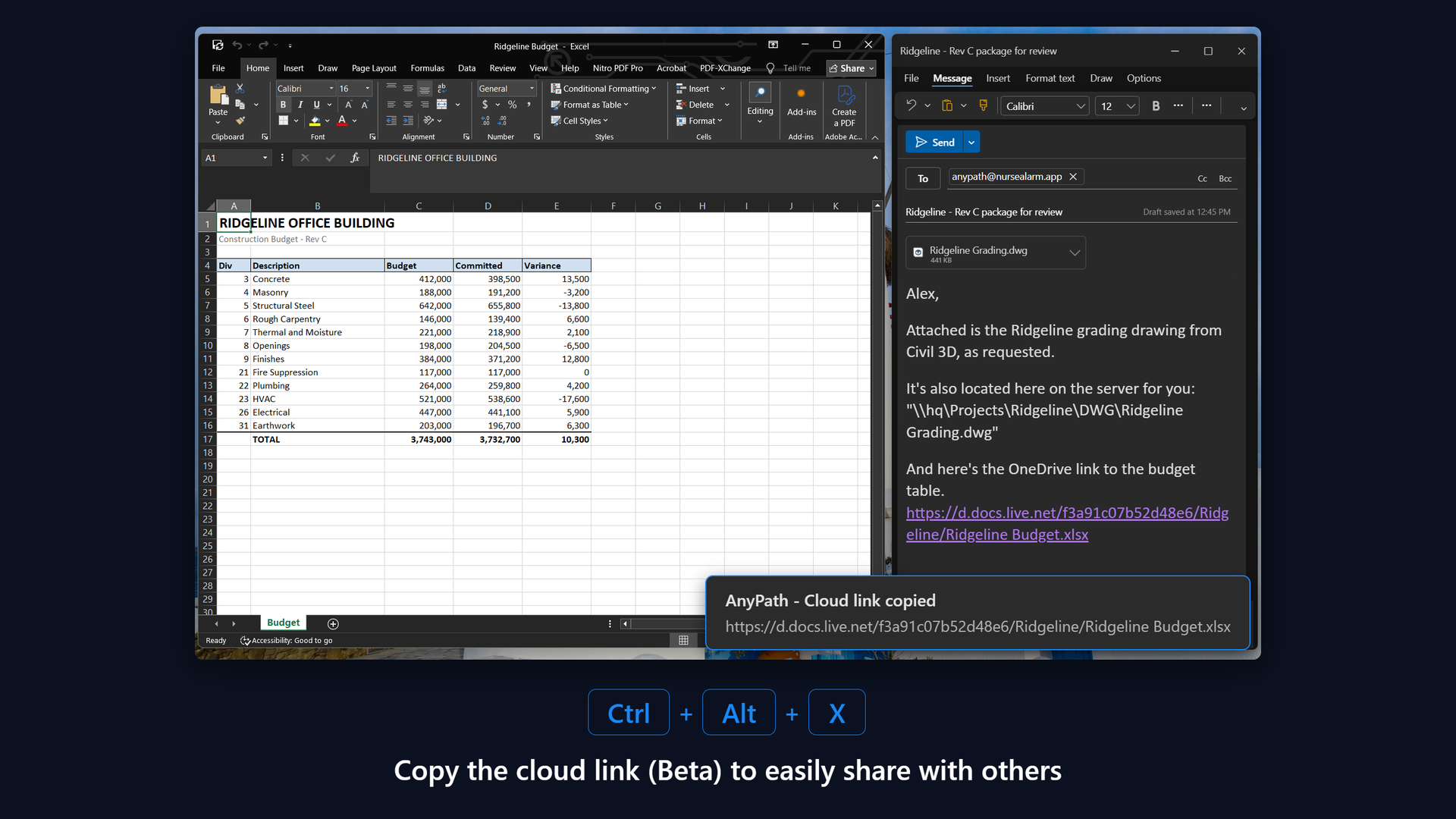
Grab it. Link it. Drag it.

Stop hunting for the file you're already looking at.

  • One keyboard shortcut. Copy the file path (or cloud link) of whatever file is in your active window.
  • Easily drag a Smart Chip into any app.
  • Works across 50+ apps on Mac and Windows.

Looking at a file and need to share?

Press
WindowsCtrlAltC MacC

Path copies to your clipboard, ready to paste anywhere.

/Volumes/Projects/Ridgeline/A-201 Sections.pdf
Smart Chip
drag the Smart Chip straight into any app

Get AnyPath

AnyPath for Windows

Requires Windows 11
Get it from the Microsoft Store

AnyPath for Mac

Requires macOS 13 or later
Download AnyPath for Mac - Free Tier

Lifetime

$74.99once
  • Everything in Annual
  • Never expires, nothing to cancel
  • No trial on this plan, so try the free tier first
Buy Lifetime

How it works

WindowsCtrlAltC MacC

Copy the path

The full local path of the active file, folder, or document, ready to paste anywhere.

WindowsCtrlAltX MacX

Copy the cloud link (Beta)

The cloud link for that same file, without opening a browser or hunting through a share menu.

Mac & Windows

Drag the Smart Chip

After a copy, a smart chip appears at your cursor. Drag it straight into an email, folder, or browser.


Works where you work

50+

apps, one keystroke

Free tier Premium
File ExplorerFinder WordExcelPowerPoint PagesNumbersKeynote ChromeSafariEdge FirefoxOperaBrave VivaldiArc PreviewAcrobatFoxitSkim Bluebeam RevuVS Code JetBrains IDEsXcodeSublime Text TerminaliTerm2PhotoshopIllustrator InDesignObsidianOpen & Save dialogs AutoCADRevitNavisworksMicroStation SolidWorksInventorBlender ArcGIS ProQGIS…and more

Some supported apps are in Beta.

Private by design

Your files never leave your device.

AnyPath reads the window you're looking at, only when you press the shortcut, and puts text on your clipboard. That's the whole job.